Can I sell a planner I made on Canva?
Yes, you can generally sell a planner you designed in Canva, whether it’s a printable PDF or a digital planner for a note-taking app. The key is to sell your own finished design—not Canva’s templates, graphics, or other elements on their own. Before you publish, make sure you have the rights to use every element in the version you’re selling.
What makes a Canva planner ready to sell?
Start with a layout that serves a clear purpose for your customer, such as weekly scheduling, meal planning, or project tracking. You can use Canva to build pages and add text and visual elements, but your planner should be a finished product with your own choices about structure, prompts, and page design. Simply changing the colors or title of an existing template may not give you a distinctive product.
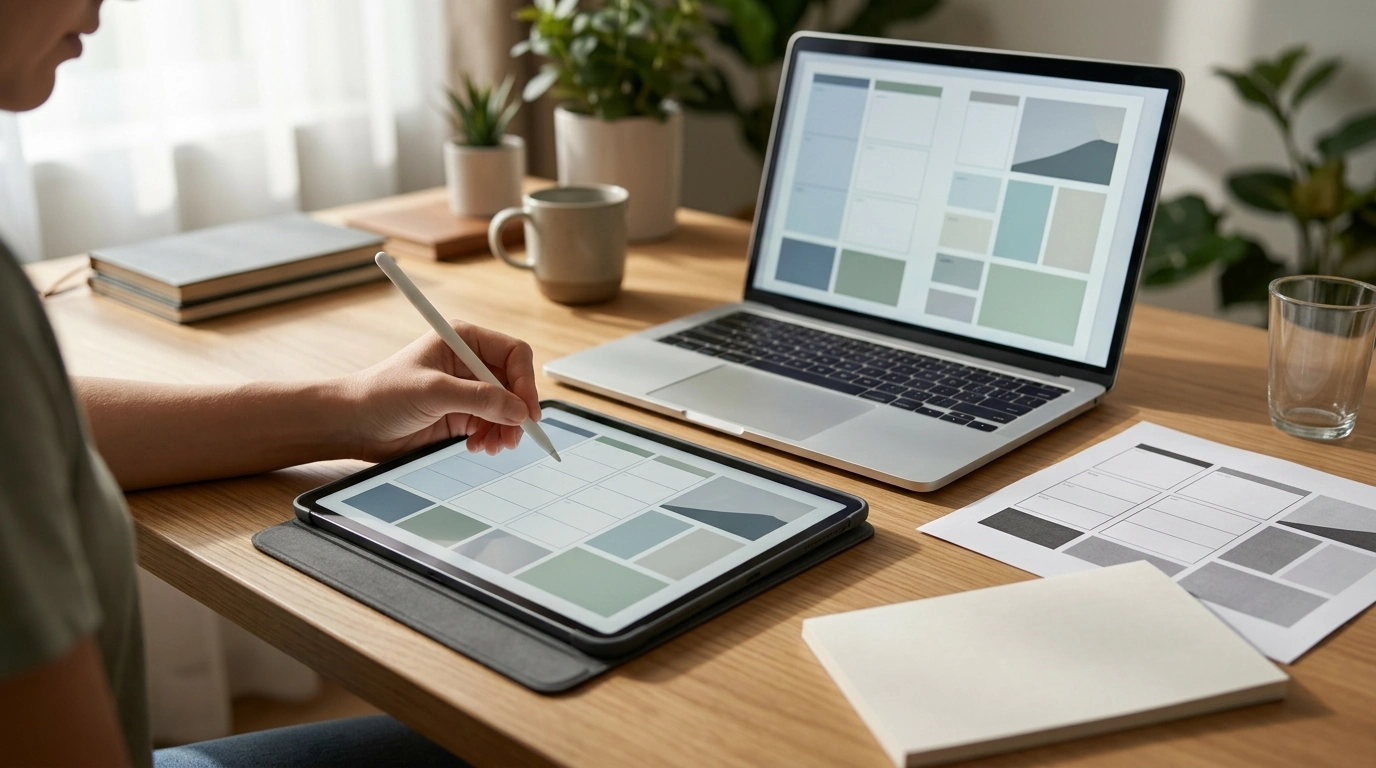
Decide how your customer will use the planner before you export it. For a printable planner, test a PDF at actual size to confirm that text is readable, writing spaces are large enough, and margins print cleanly. For a planner intended for digital handwriting, test the file in the app you plan to name in your product description. If you promise clickable tabs or links, open the exported file and try every one.
What should I watch for with Canva licensing?
Canva’s content licenses have rules about how its photos, illustrations, fonts, templates, and other elements may be used. A finished planner can be different from selling an individual Canva asset or an essentially unchanged Canva template. Pay particular attention if you use Pro content, plan to share an editable template, or include artwork that could be extracted and reused. Review Canva’s current license terms for your specific product before listing it.
Also confirm that any material you brought into Canva—such as a purchased font, illustration, or quote—allows commercial use. Canva cannot grant you rights to content you uploaded from somewhere else.
How do we recommend preparing your listing?
Our team recommends naming the exact file format, page size, and intended use so you know what you’re offering and your customer knows what they’ll receive. State whether the planner is printable, meant for a digital app, or both. Include simple download and use instructions, and make it clear that a digital file is not a physical planner. For a step-by-step workflow, see our guide to making and selling a digital planner in Canva.
FAQ
Is it legal to sell things you make on Canva?
Generally, yes, if your product follows Canva’s current content license and you have commercial rights to anything you uploaded. Selling a finished design is not the same as reselling Canva assets or an essentially unchanged template.
Recommended for you










Leave a comment